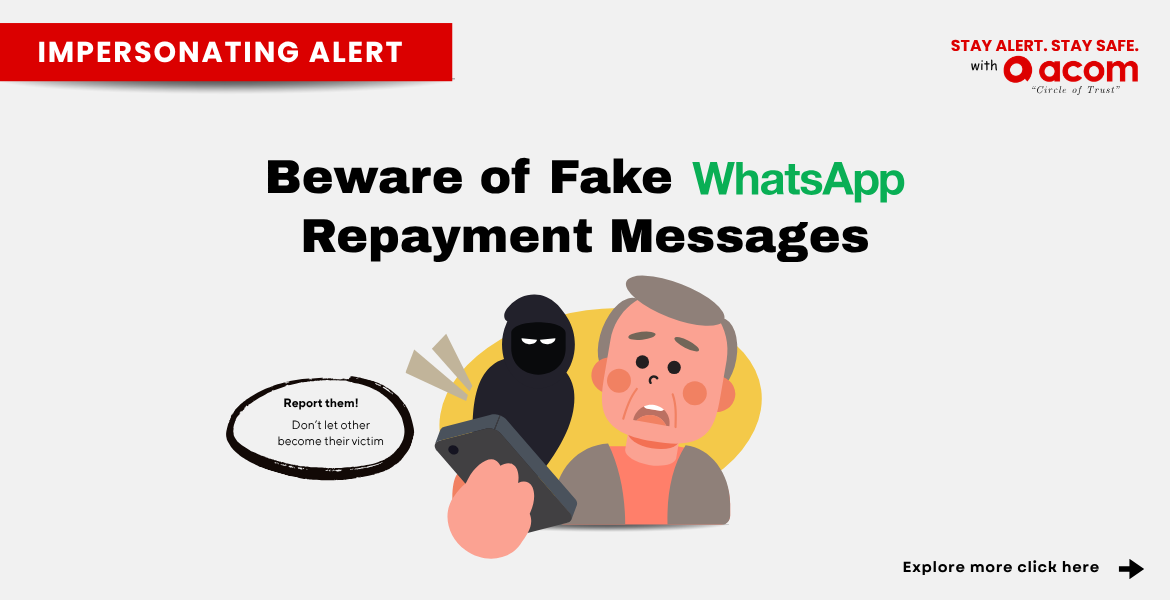
ACOM (M) Impersonation Alert: Beware of Fake WhatsApp Repayment Messages
ACOM (M) has become aware of fraudulent WhatsApp messages using the ACOM name in relation to loan repayments. These messages may contain repayment reminders or warnings and may direct recipients to contact a phone number provided in the message.
Please be aware that these are fraudulent message from scammers.
Scammers may use the name, logo or other information associated with ACOM to make fraudulent messages appear genuine. Receiving such a message does not necessarily mean that you have an ACOM account or that the message is connected to ACOM.
We encourage everyone to remain vigilant when receiving unexpected WhatsApp messages relating to ACOM loans, repayments or payments.
How to Verify an Official ACOM WhatsApp Message
For loan repayment matters, ACOM may contact customers through its designated communication channels. If you receive a WhatsApp message claiming to be from ACOM, always check the sender's phone number carefully. Do not assume that a message is genuine simply because it uses the ACOM name, logo or refers to an ACOM loan.
If you are unsure whether a message is genuinely from ACOM, contact us through our official customer service channels to verify the information.
ACOM Does Not Have a Telegram Account
ACOM (M) does not operate or maintain any official Telegram account.
If someone contacts you through Telegram claiming to represent ACOM, do not respond, share your personal or banking information, or make any payment based on their instructions.
Please be cautious of anyone using the ACOM name on Telegram or other unauthorised communication channels.
Always Confirm Before Making Payment
Scammers may provide an account number and ask you to make a loan repayment. Do not make any payment based solely on an unexpected WhatsApp message or repayment instruction from an unauthorised contact.
Before making any payment:
1.) Check your CIF and Public Bank account number. Ensure that both details match the information provided in the official ACOM (M) SMS.
2.) Verify your repayment details through the ACOM Customer Portal.
3.) If any details do not match or you are unsure, do not proceed with the payment. Contact ACOM (M) directly for verification before making any payment.

Remember: If you are not sure about the account number, call ACOM and confirm before you pay.
Taking a moment to verify the payment details can help protect you from making a payment to a scammer.
ACOM (M) Strictly Complies with PDPA
ACOM (M) is committed to protecting customers’ personal data and handles personal data in accordance with applicable data protection requirements.
If you receive a suspicious message, do not share your identification details, bank account information, passwords, TAC, OTP or other sensitive information with unknown or unauthorised parties.
If you believe a message is suspicious, stop communicating with the sender and contact ACOM through our official channels for verification.
- ACOM Customer Care WhatsApp: 03-2382 8020
- ACOM Customer Service: 03-2382 8050
- ACOM Customer Service Email: customer@acom.com.my
- ACOM Official Website: acom.com.my
ACOM (M) is Taking Action Against the Scam
ACOM takes the unauthorised use of its name seriously. ACOM is conducting further investigations and working with the relevant parties to identify, address and combat these fraudulent activities.
ACOM will continue to take appropriate measures to help protect customers and the public from the unauthorised use of the ACOM name and other fraudulent activities.
Stay Alert Against Loan Repayment Scams
Scammers may impersonate legitimate companies through WhatsApp and other communication channels to make fraudulent loan or repayment messages appear genuine.
Before making any payment, always remember:
- Check the sender.
- Check the payment details.
- Verify with ACOM before you pay.
If you receive a suspicious WhatsApp message claiming to be from ACOM, or if you are unsure about a repayment request or account number, contact ACOM directly by phone to verify the information before making any payment.
For the latest official information and ACOM contact details, please visit acom.com.my.
